
Interactive Flat Panel for Classroom Teaching: My Journey from Skeptic to Believer
: – A Real Teacher’s 2-Year Journey
You know that feeling when you’re sitting in a meeting, listening to someone talk about “revolutionizing education,” and you’re just thinking, “Here we go again, another expensive toy that’ll gather dust in the corner”? That was me, about two years ago, when my school district decided to invest in Interactive Flat Panels for every classroom.
I’ll be honest with you – I was skeptical. I’d seen technology initiatives come and go. But here’s the thing that surprised me: I was wrong. Not just a little wrong, but completely, utterly wrong about what these devices could do for teaching and learning.
Let me share what I’ve learned over the past two years, not as a technology expert, but as a teacher who was genuinely afraid of this change.
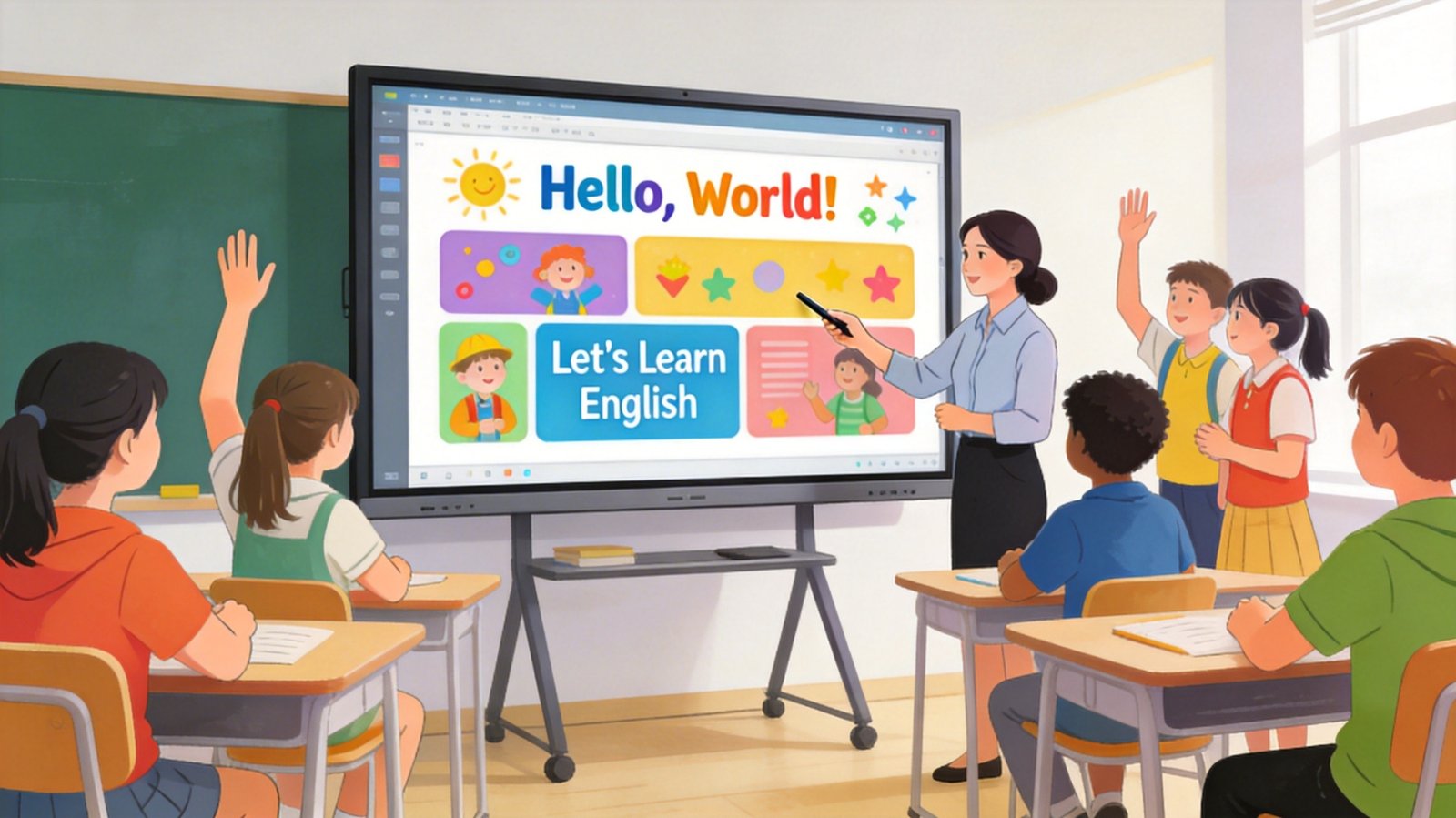
The First Week: Why Did I Wait So Long?
I remember walking into my classroom on that first day after the installation. There it was – this sleek, huge display where my old whiteboard used to be. I stood there for a full minute, just staring at it, feeling a mix of excitement and absolute terror.
“What am I supposed to do with this thing?” I thought. “I’ve been teaching for 15 years. I know what works.”
But here’s what happened during that first week that changed everything. I was teaching fractions – you know, the topic that makes students everywhere groan. Usually, I’d draw circles and squares on the board, trying to show how fractions work. Some students would get it, others would nod along while secretly confused.
That Tuesday, I decided to try something different. I found an interactive fraction app on the display, and suddenly I wasn’t just drawing static images. I was dragging and dropping pieces, making them split and combine in real-time. I could hear the “ohhh” moments spreading across the room.
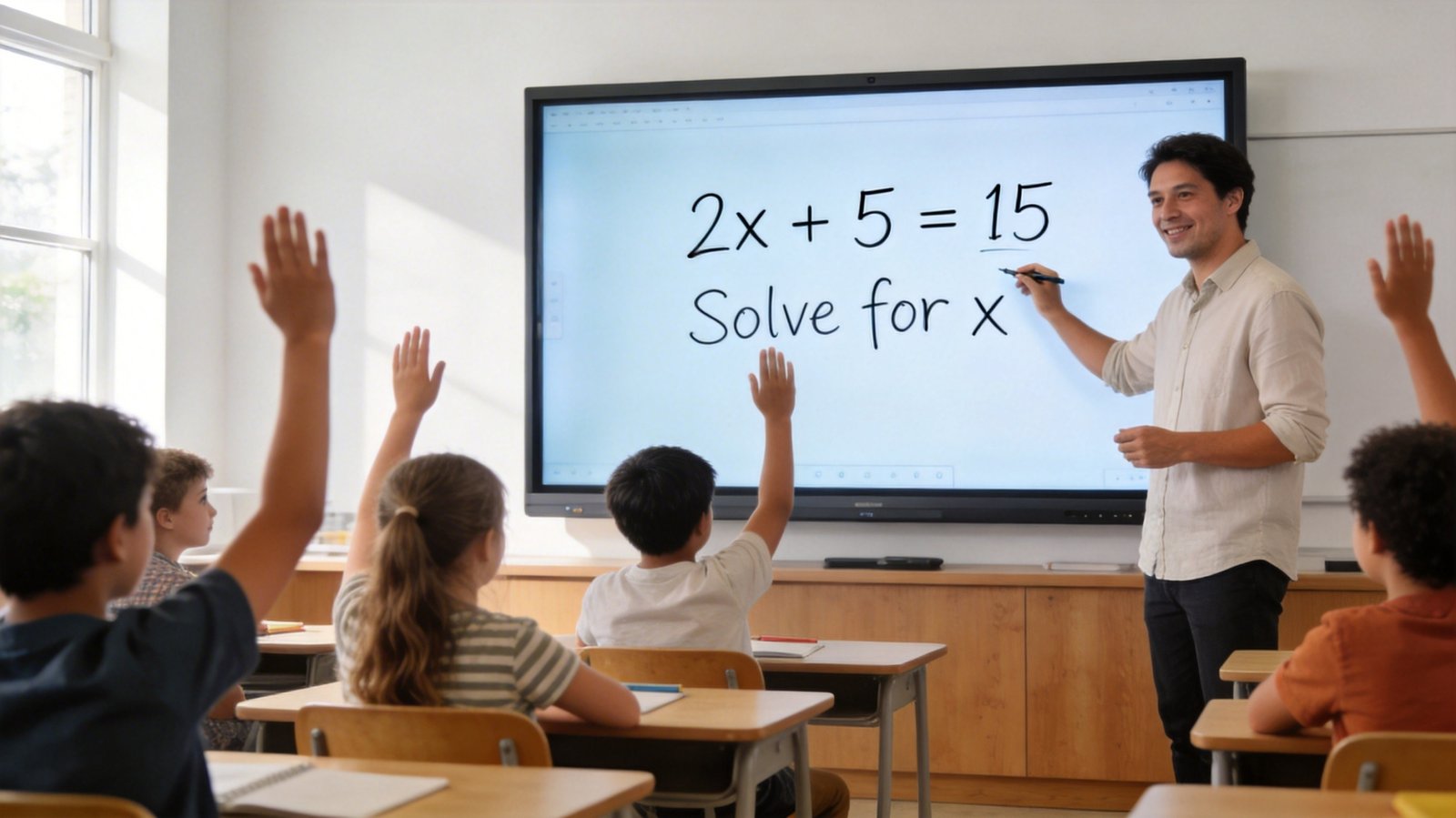
What Actually Makes These Panels Different?
Before we dive deeper, let me clear up something that confused me at first. An Interactive Flat Panel (IFP) isn’t just a big television screen. It’s not even just a fancy computer projector. It’s its own thing – a touch-sensitive display that responds to your fingers, pens, and even multiple hands at once.
Here’s what I’ve come to appreciate about it:
- It just works: No more wrestling with projector bulbs, no more “can someone hold the projector still?” moments
- Everyone can see: Every student, even in the back row, can clearly see what’s happening
- It’s surprisingly durable: After two years of daily use by multiple classes, ours still looks and works great
- The learning curve isn’t scary: If you’ve ever used a smartphone or tablet, you’re already 80% there
But here’s the real question – does it actually help students learn better? Because if it doesn’t, all the fancy features in the world don’t matter.
Real Impact: What I’ve Seen in My Classroom
The Quiet Students Who Finally Started Participating
I’ll tell you a story that still makes me smile. Emma was in my class last year – quiet, never raised her hand, seemed to drift off during math lessons. I tried everything to engage her.
One day, I was using the Interactive Flat Panel-H1 for a geometry lesson. Students were coming up to the board to manipulate shapes and solve problems.
I noticed Emma watching, actually watching, not just staring blankly.
I noticed Emma watching, actually watching, not just staring blankly.
“Emma, want to try this one?” I asked, expecting her to shake her head.
But she didn’t. She walked up to the display, touched the screen, and started rotating a triangle to find a matching angle. And here’s the thing – she wasn’t just randomly touching the screen. She was solving the problem methodically, her face showing genuine focus.
“I understand this better when I can move it around,” she told me quietly.
That was the moment I truly got it. Some students need to touch, move, and manipulate concepts to understand them. The interactive panel gave Emma a way to learn that traditional methods never could.
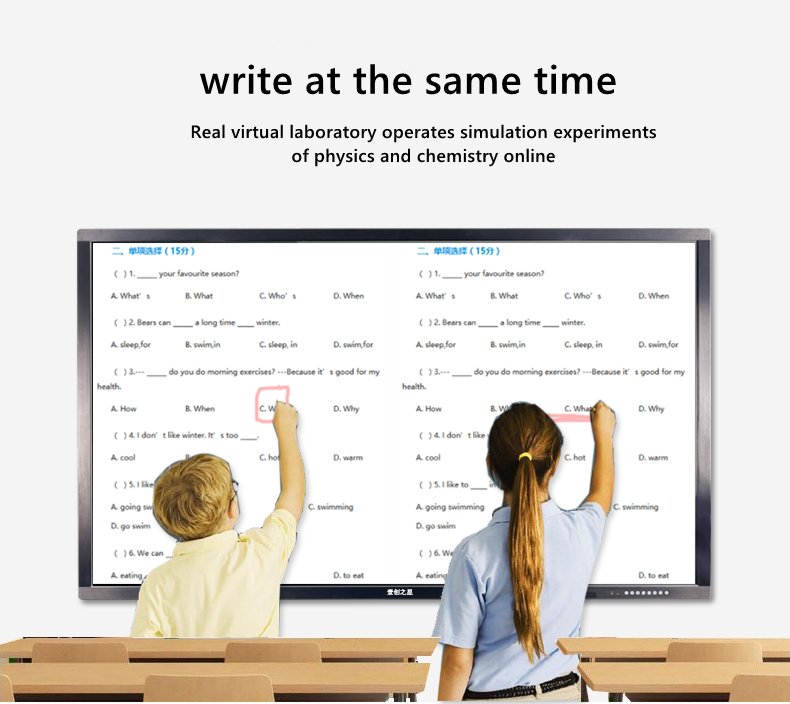
Group Work That Actually Works
We’ve all been there – you assign group projects, and half the groups end up socializing instead of working. The interactive panel has transformed group work in my classroom.
Last month, my students were researching different ecosystems. Four students gathered around the display – one searching for information online, another organizing their findings into a visual presentation, and two others working together to identify key vocabulary terms. They were all working on the same screen simultaneously, each contributing in their own way.
The best part? They weren’t arguing about whose turn it was to use the computer. The panel is big enough and responsive enough that multiple students can genuinely work together.
The “Aha!” Moments Happen Faster
The “Aha!” Moments Happen Faster
This might sound like a small thing, but it’s made a huge difference in my teaching. When a student asks a question, I can immediately pull up a visual example, a diagram, or even a short video to help explain. No more “I’ll find that for you later” or “imagine this picture.”
I can literally see the understanding click in their faces, in real-time. Those moments of connection – where confusion turns into comprehension – happen more often and more quickly than ever before.
Choosing the Right Panel for Your Needs
I know what you’re probably thinking: “This all sounds great, but which one should I actually get?” Because not all interactive panels are created equal.
The Camera Question: Do You Need It?
One of the biggest decisions you’ll face is whether to choose a panel with or without a built-in camera. I went with the Interactive Flat Panel-H2, which includes a camera, and here’s why it matters for my classroom:
When the camera is essential:
- Remote learning days: During snow days or when students are sick, we can keep the classroom community connected
- Recording lessons: I can record my explanations for students to review later, which has been huge for test preparation
- Virtual field trips: We’ve connected with classrooms in other countries, sharing our learning in real-time
- Parent communication: Sometimes a quick video explanation helps parents understand what their child is working on
But here’s the honest truth – if your school primarily does in-person teaching and doesn’t have remote learning plans, the non-camera version might be perfectly fine and will save you some money.
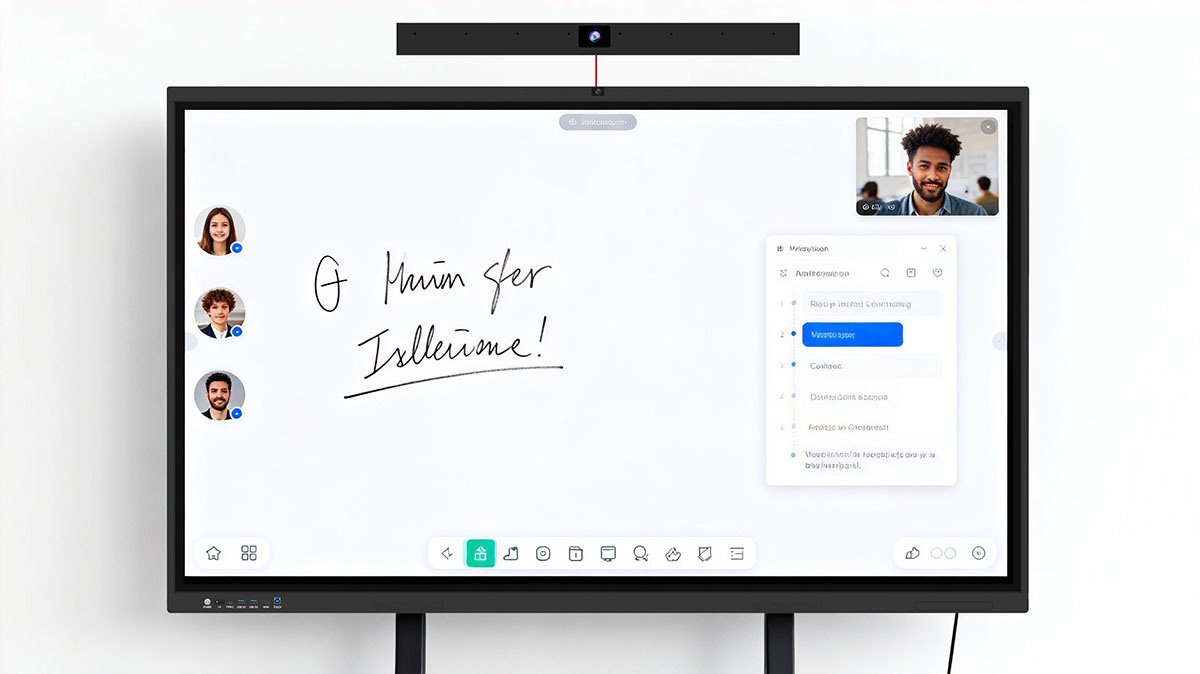
Size Matters More Than You’d Think
When I was researching options, I thought “bigger is always better.” But after two years in the classroom, I’ve learned that size isn’t just about the physical dimensions – it’s about how your classroom is laid out.
In my classroom, which is about 30 feet long, the 75-inch panel has been perfect. Every student can see clearly, and it’s not so huge that it becomes overwhelming. But I’ve talked to teachers in larger lecture halls who swear by the 86-inch models.
Here’s my advice: visit a classroom that’s similar to yours and see the panel in action. What works in one space might not work in another.
Beyond the Panel: Making Technology Actually Useful
I want to be really honest with you about something important. The interactive panel itself is just a tool – a really good tool, but still just a tool. What matters is how you use it.
Don’t Try to Do Everything at Once
My biggest mistake during that first month was trying to incorporate the panel into every single lesson. I was burning myself out, and honestly, my students were getting overwhelmed too.
Here’s what I wish I’d done differently:
- Start with just one or two subjects
- Focus on mastering a few key features
- Give yourself permission to not use the panel sometimes
- Learn from what works and what doesn’t
Build a Digital Resource Library
One of the smartest things I did was start organizing all the digital resources I found or created. I have folders for each subject, each unit, even different types of activities.
When I’m planning a lesson now, I don’t have to start from scratch. I can pull up what worked well last year, adapt it for my current students, and add something new. This has saved me countless hours of preparation time.
Let Students Take the Lead
This was the hardest thing for me to do, but also the most rewarding. Sometimes I just hand over the controls to students and let them demonstrate their understanding.
Last week, during our electricity unit, a student named Michael came up to the panel and built a complete circuit using an interactive simulation. He explained each step to the class, fielding questions like a pro. I learned more about Michael’s understanding that day than I ever could have from a written test.
Addressing the Big Concerns
“Isn’t This Just Another Expensive Gadget?”
I get it. I really do. Education technology budgets are tight, and there are so many competing priorities. But here’s how I think about it now.
Think about a classroom like a kitchen. You need basic tools – pots, pans, knives – to cook. But a good chef doesn’t cook better just because they have expensive equipment. They cook better because they know how to use their tools to bring out the best in their ingredients.
The interactive panel hasn’t replaced good teaching. It’s made good teaching more effective, more engaging, and more accessible to different types of learners. And isn’t that what we’re all trying to achieve?
“What If It Breaks?”
This was a genuine concern for me. If the panel stopped working in the middle of a lesson, would my whole day fall apart?
Here’s what I’ve learned:
- They’re surprisingly reliable: We’ve had very few technical issues over two years
- There are backup plans: I still have my traditional whiteboard for emergencies
- Support matters: Choose a vendor with good technical support (I’ve been impressed with the help I’ve received)
- Most issues are minor: Usually it’s something simple that can be fixed quickly
“Won’t Students Just Be Distracted by the Screen?”
I worried about this too. But here’s the reality – my students are less distracted now, not more. When the content is engaging and interactive, they’re genuinely paying attention.
Sure, there are occasional moments when someone wants to play with a cool feature, but those moments are rare compared to the hours of focused, collaborative learning that happens every day.
Other Display Options You Might Consider
I know interactive panels aren’t the only display technology out there. Depending on your specific needs and space, you might want to explore other options.
Indoor LCD Displays for Larger Spaces
If you’re outfitting a large auditorium, cafeteria, or common area where the display is primarily for announcements and presentations rather than interactive teaching, you might want to look at Indoor LCD displays. These are designed for visibility from greater distances and can handle high-traffic areas.
Interactive Touch Kiosks for Self-Guided Learning
I’ve seen schools install Interactive Touch Kiosks in hallways and libraries, where students can access information, complete independent activities, or explore educational content at their own pace. It’s like having a learning station that never sleeps.
Vertical Displays for Wayfinding and Communication
For schools that want to improve how students and visitors find their way around, Indoor Vertical LCD Displays can serve as excellent digital signage. We’re actually planning to install a few near the main entrance to showcase student work and share school announcements.
The Long-Term Impact: Two Years Later
Sometimes, when I’m planning lessons at night, I think back to that first day when I stood in my classroom, terrified of this new technology. Now, I can’t imagine teaching without it.
But here’s what really matters – it’s not about me anymore. It’s about my students. About Emma, who finally found a way to understand geometry. About Michael, who discovered his talent for explaining complex concepts. About all the students who’ve had more “aha!” moments than I can count.
The interactive panel didn’t make me a different teacher, but it helped me reach students I couldn’t reach before. It gave me new tools to address different learning styles, new ways to make abstract concepts concrete, and new opportunities for collaboration and engagement.
Making Your Decision: My Honest Advice
If you’re considering an interactive flat panel for your classroom or school, here’s what I’d tell you over coffee:
Start with Your Goals, Not the Technology
Before you start comparing models and features, get really clear about what you want to achieve. Do you want to increase student engagement? Improve visual learning? Support different learning styles? Make remote learning possible?
Your goals should drive your technology choice, not the other way around.
Visit Classrooms That Are Already Using Panels
Don’t just take my word for it. Talk to teachers who are actually using this technology in classrooms similar to yours. Ask them about their challenges, their successes, what they wish they’d known beforehand.
You can learn more about different options by visiting the Products page or reading more about our company’s approach to educational technology on the About Us page.
Consider Your Specific Context
Every classroom is different. Every school is different. What works beautifully in one setting might struggle in another. Think about:
- Your classroom size and layout
- The subjects and grade levels you teach
- Your comfort level with technology
- The technical support available at your school
- Your budget and long-term plans
Don’t Expect Perfection Day One
Give yourself and your students time to adjust. There will be technical hiccups. There will be lessons that don’t go as planned. There will be moments when you wish you’d just used the old whiteboard.
But if you stick with it, I genuinely believe you’ll discover, like I did, that this technology can transform your classroom in ways you never expected.
Let’s Continue the Conversation
I know making decisions about classroom technology is overwhelming. There are so many options, so much to consider, and often limited resources to work with.
If you’re in the thick of this decision process and want to talk through your specific situation, I’d love to help. Maybe you’re deciding between different panel models, wondering about accessories, or trying to figure out the best approach for implementation.
Contact Us and let’s have a real conversation about your needs, your budget, and your goals for your students. Not a sales pitch – just an honest discussion between educators about what actually works in classrooms.
You can also start exploring options by visiting our Home page to see the full range of educational technology solutions available.
The Bottom Line
After two years of using interactive flat panels in my classroom, here’s what I can tell you with complete honesty:
This technology isn’t a magic wand that will instantly solve every educational challenge. But it is a powerful tool that, when used thoughtfully, can create more engaging, more inclusive, and more effective learning environments.
I went from skeptic to believer not because the technology is perfect – it’s not – but because I’ve seen, day after day, how it helps my students learn better, participate more, and get excited about coming to class.
And isn’t that why we all became teachers in the first place?